Patient
Login
Login
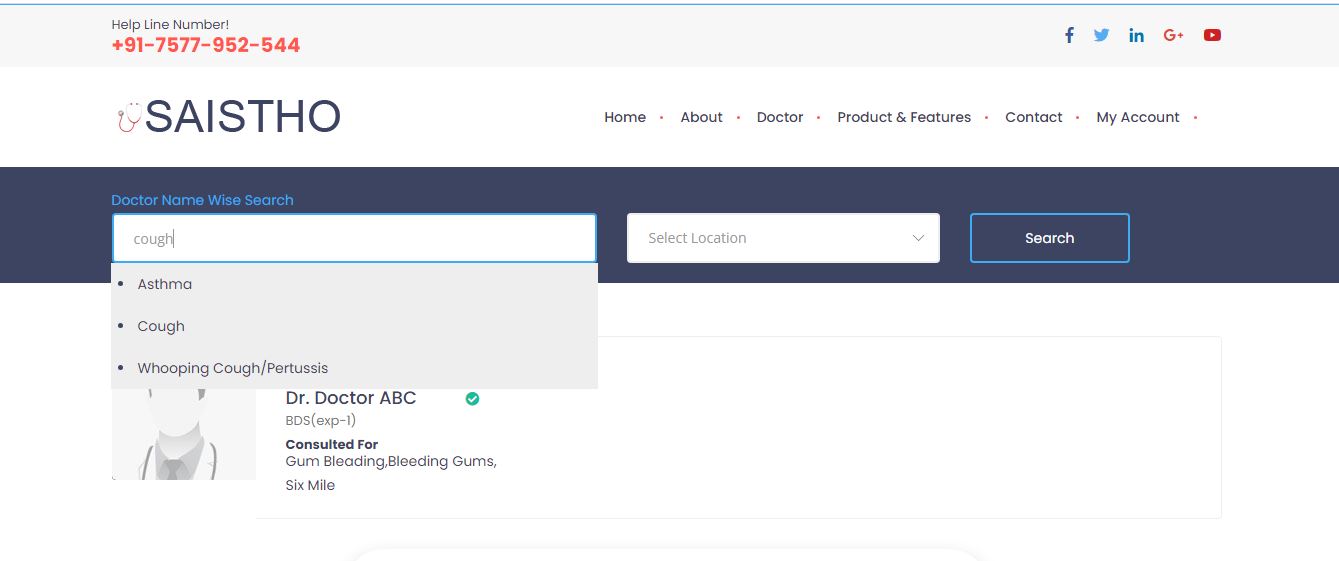
Go to the doctor tab in the menu bar to book a doctor. Saistho uses a symptom based doctor search. Please enter the symptoms you are facing. Select the disease from the drop down list of diseases. Select Location. If you are not able to find the exact symtom select the closest one you can find. Click the search button. Please check the symtoms of the disease selected matches with your disease.
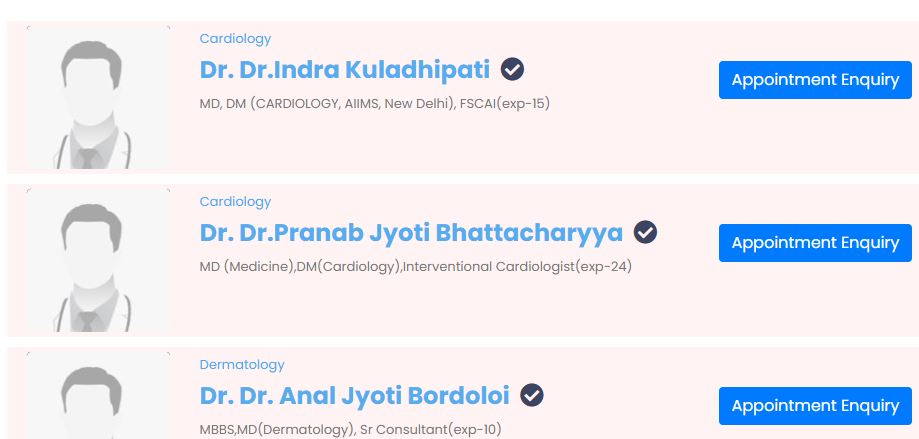
Click find doctors to view the doctors that deal with that kind of disease. click on appointment enquiry for the doctor you want to book an appointment.
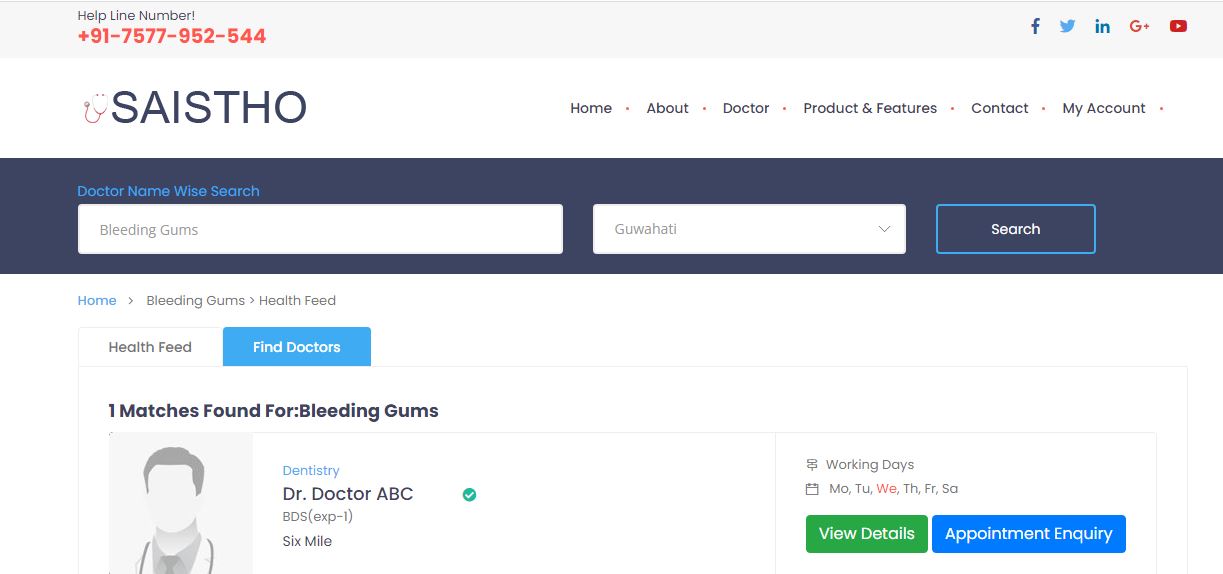
Please fill in the relevant details as the doctor uses this basic details. The patient note can be used to send special information about your health condition to the doctor. Click on confirm to confirm your booking. You can check the status of your booking by clicking on check status here link. It will show pending which means the booking request is pending with the doctor and he has not accepted it yet.
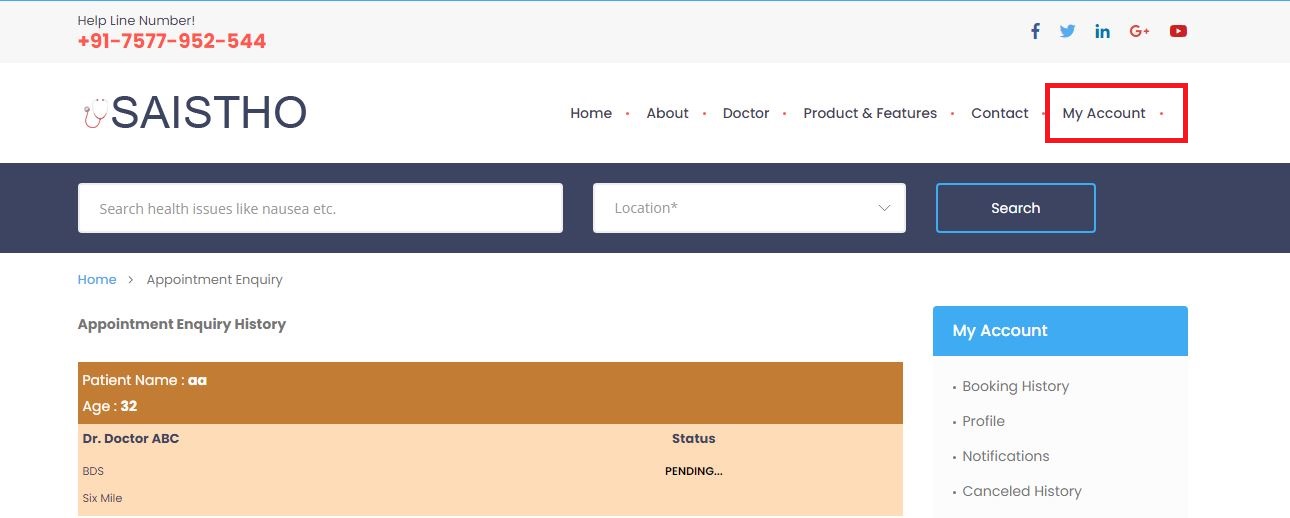
View Bookings
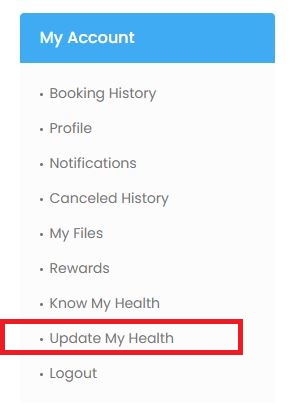
After login Go to My Account page to view your booking confirmation. from the menu bar.